Tasks
The team's task list across deals, renewals, and projects.
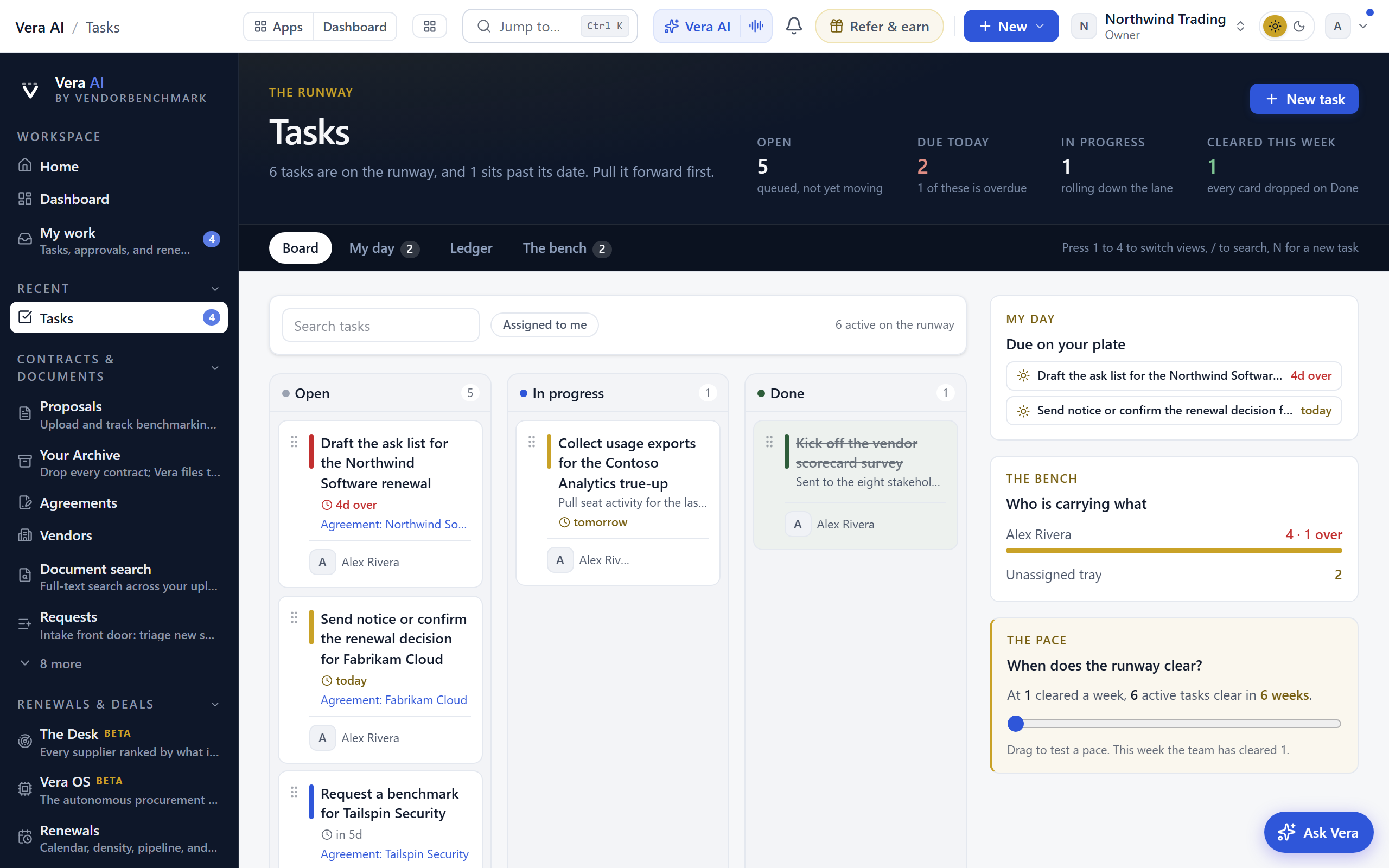
When this is you
- I want the team's work visible and assigned
The tool finder · Work with your team
Coordination: who does what, where discussions live, and what is waiting on you. These are the 11 tools for the job, each with the situations it answers. Press Open in the app to start one.
The team's task list across deals, renewals, and projects.
When this is you
Everything waiting on you personally: tasks, approvals, mentions, and renewals.
When this is you
Who covers what: vendor ownership and coverage across the team.
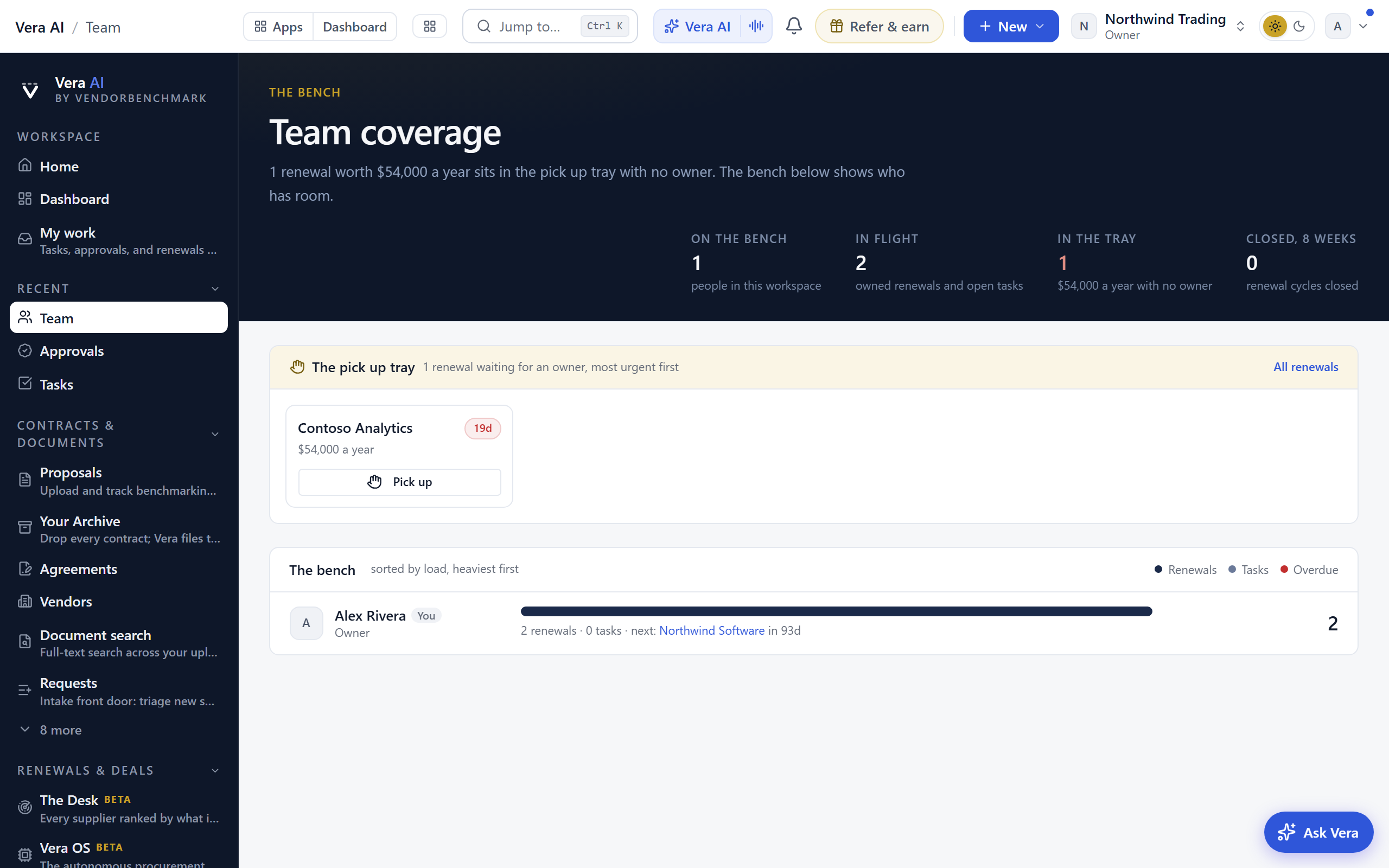
When this is you
The internal discussion board: questions, decisions, and wins, kept where the work is.
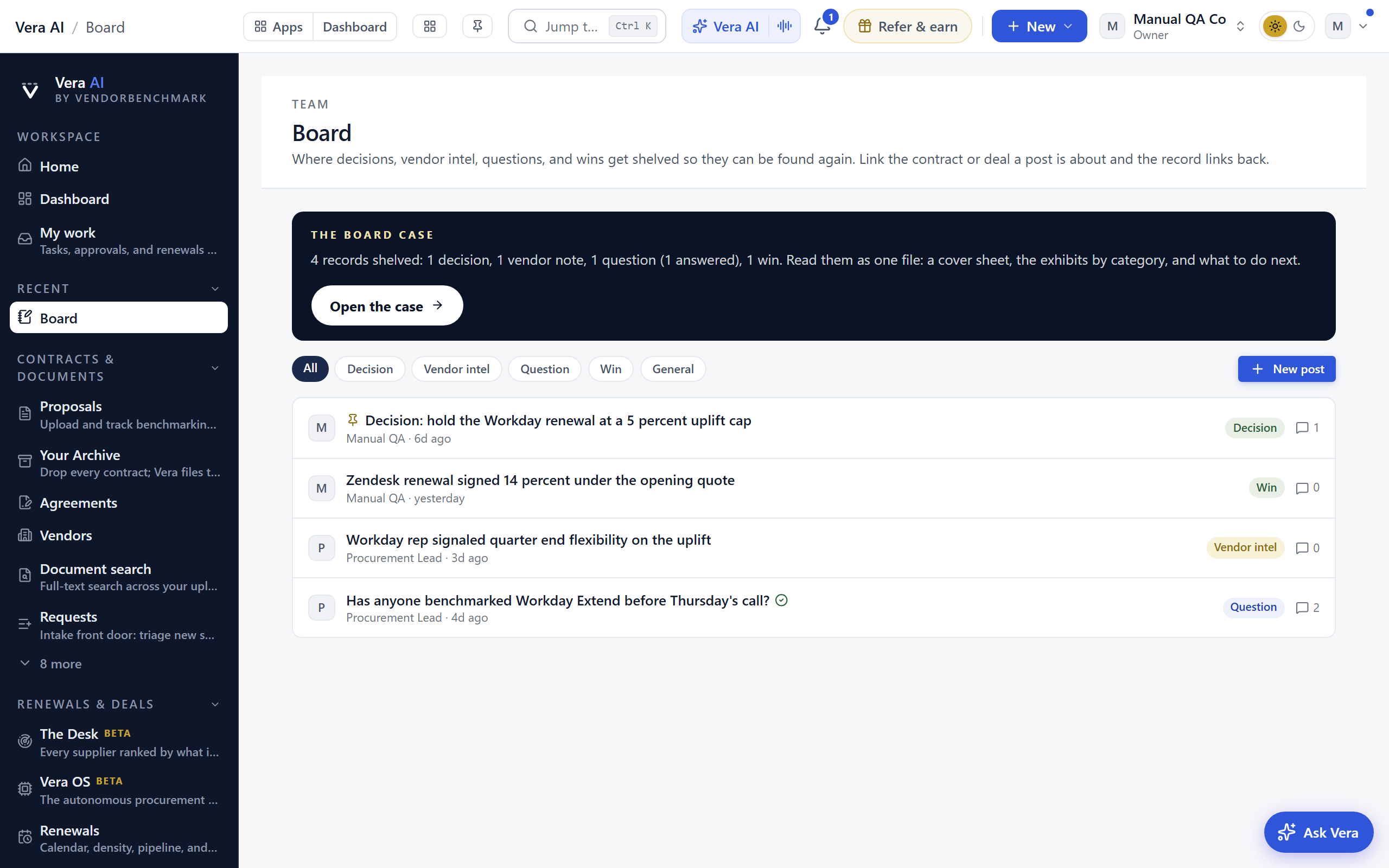
When this is you
Direct messages with your team inside the workspace.
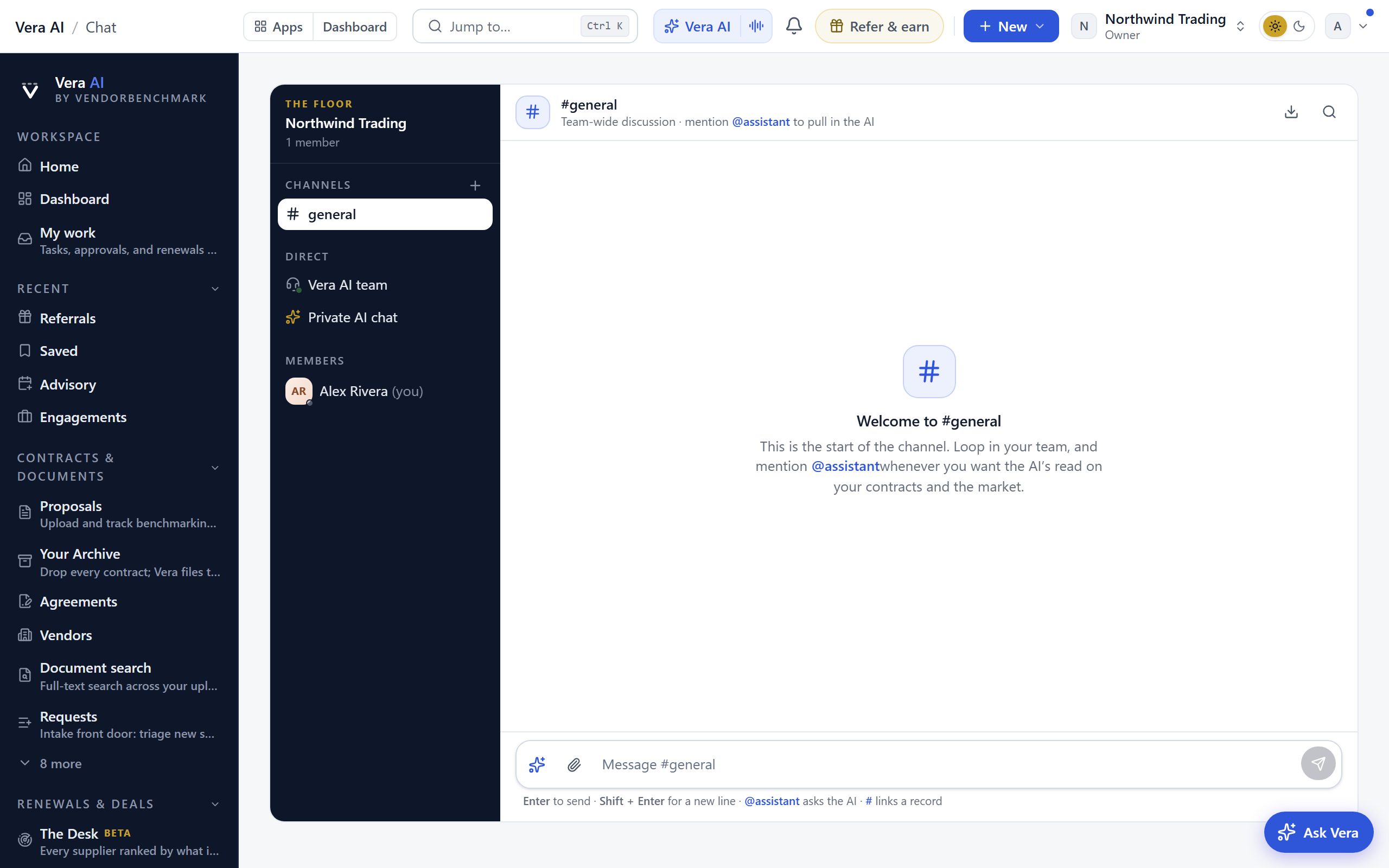
When this is you
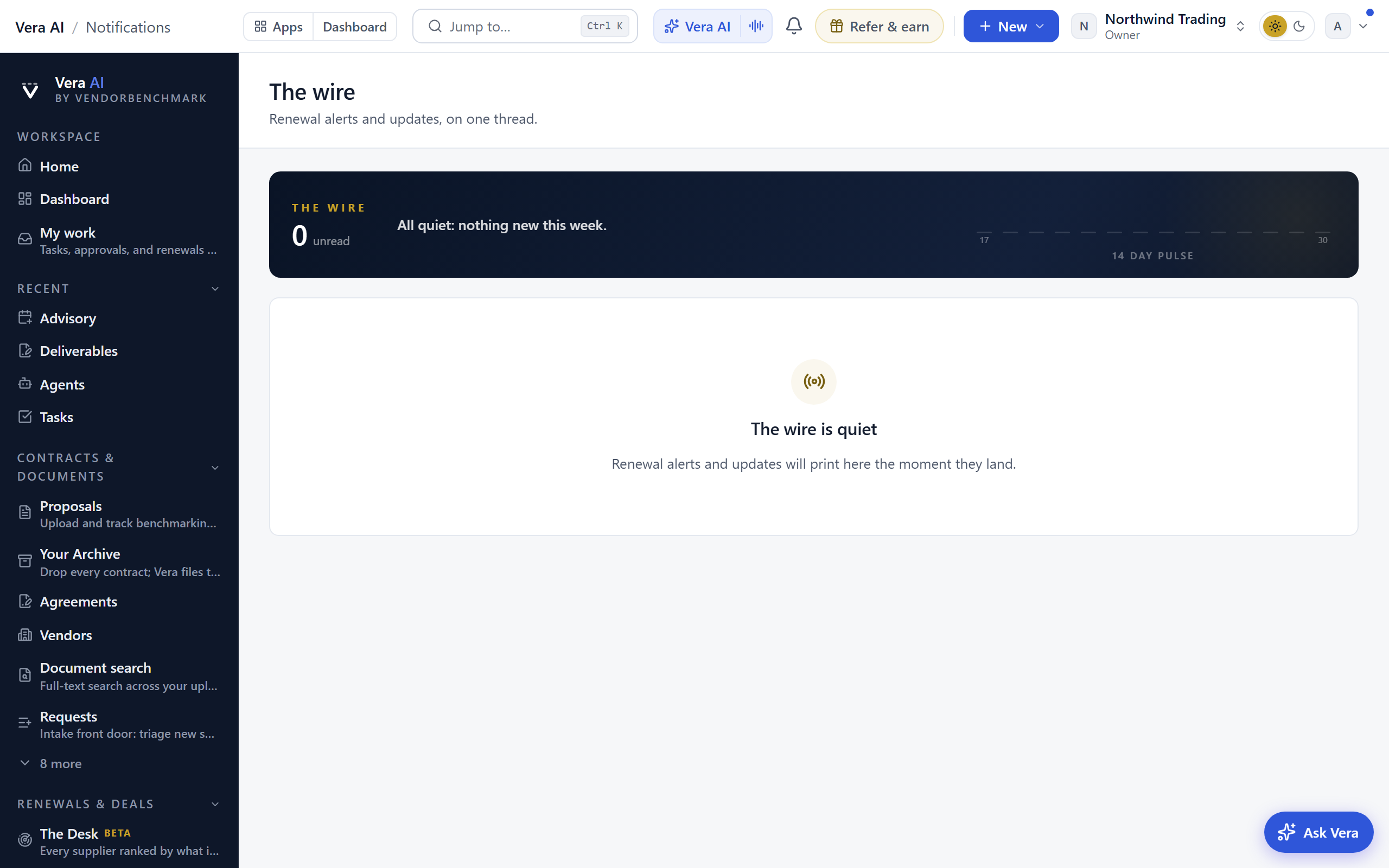
The notification feed: everything that changed that you asked to hear about.
When this is you
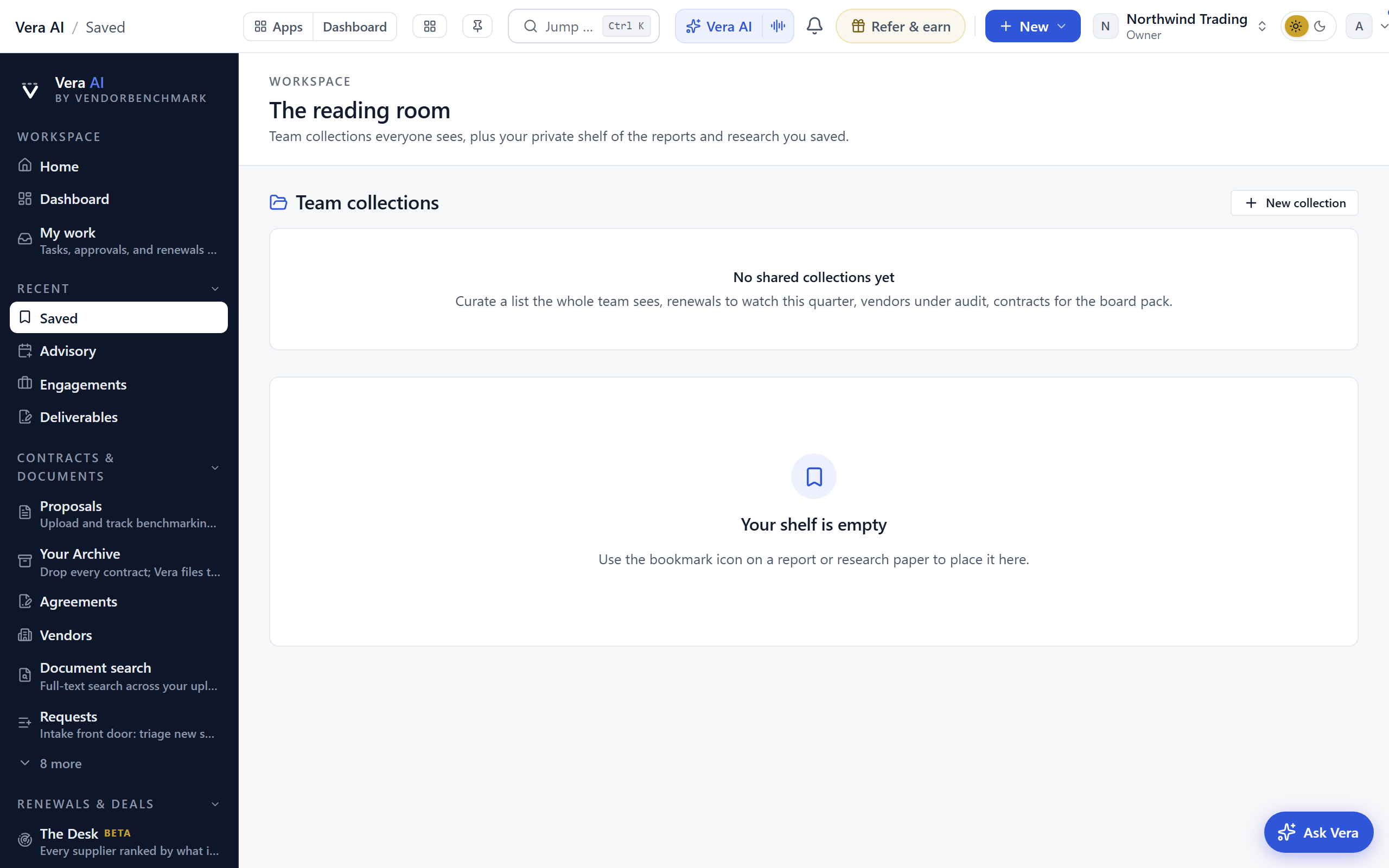
Your reading room: every report and research paper you bookmarked.
When this is you
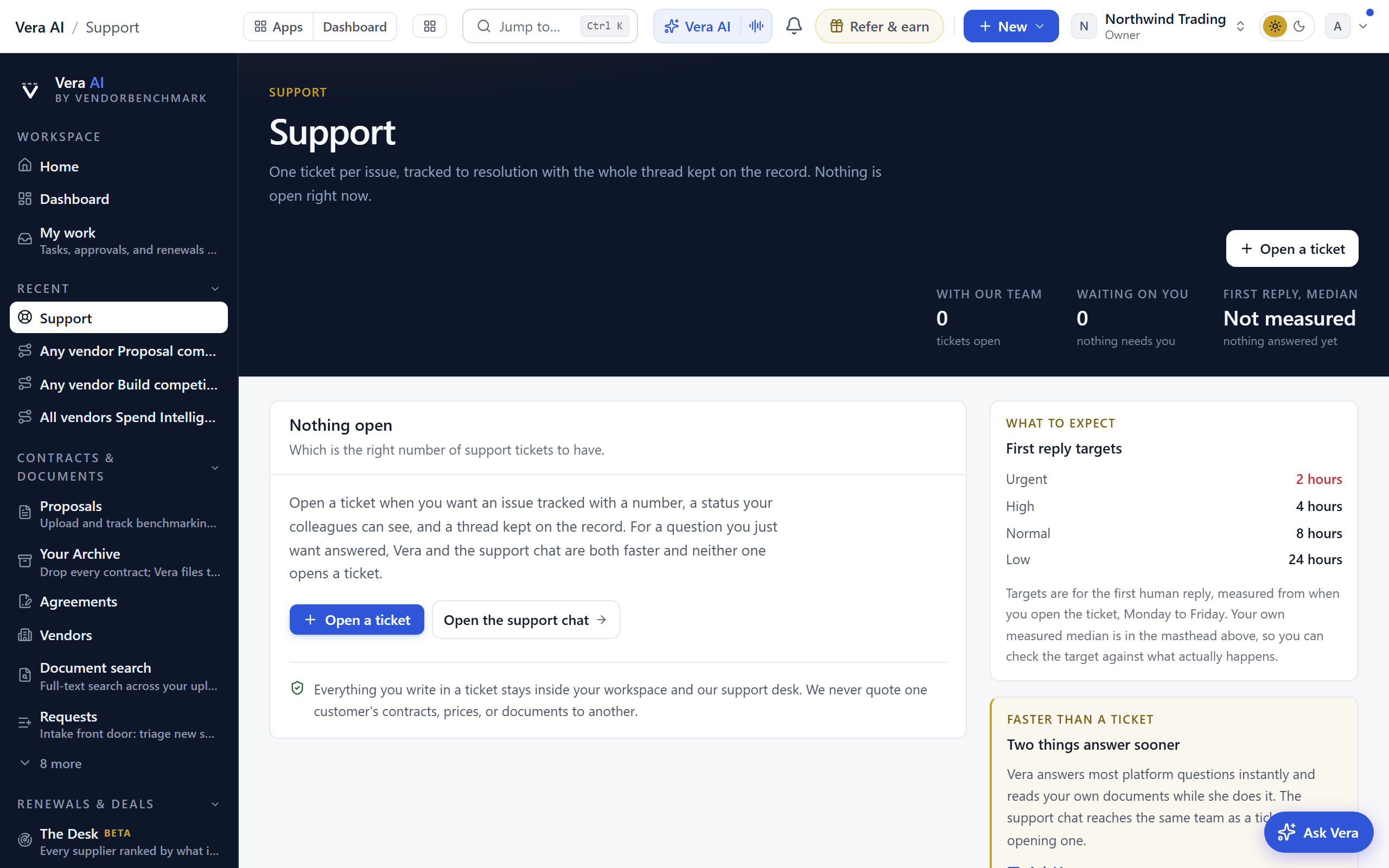
Support tickets with the VendorBenchmark team.
When this is you
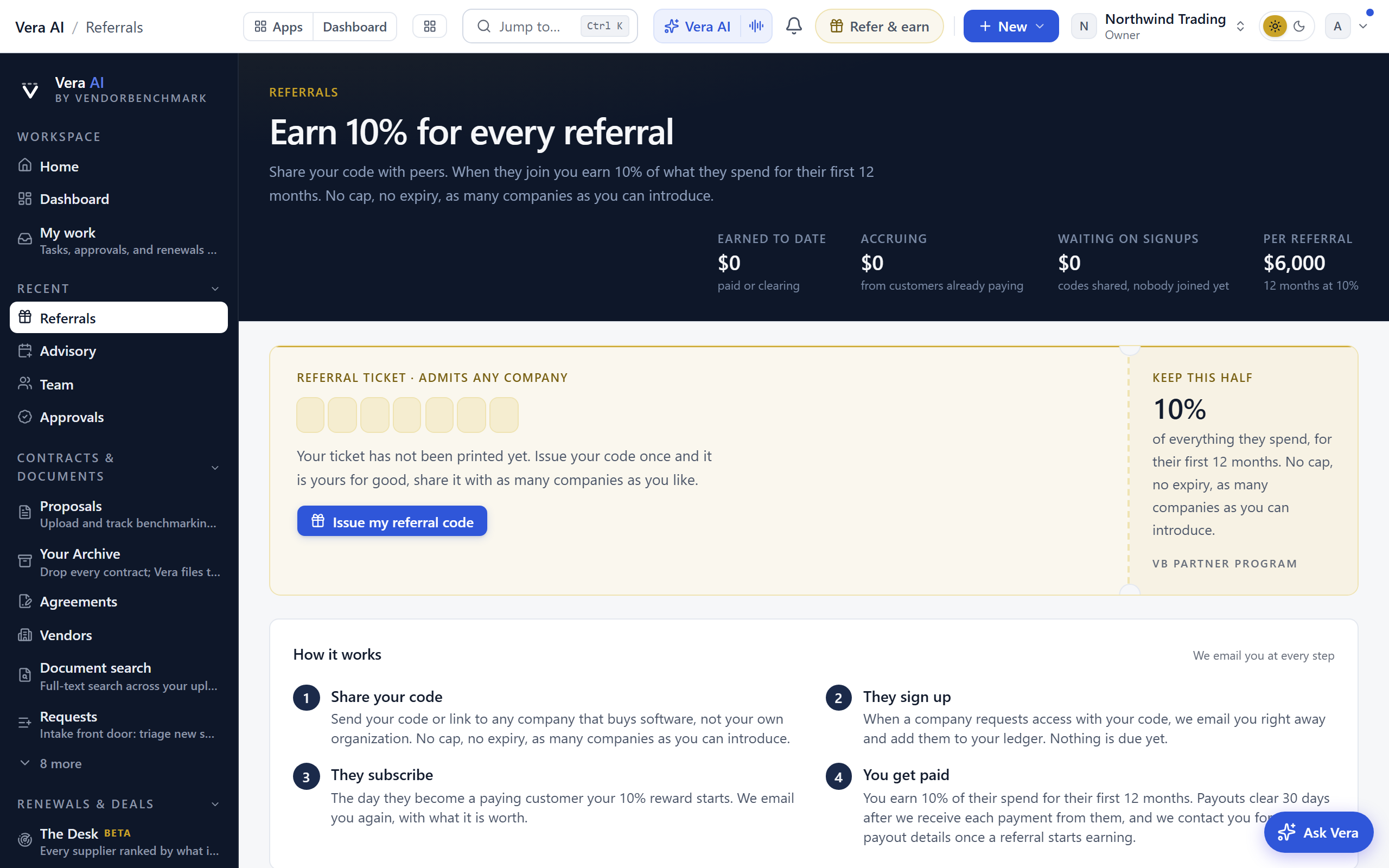
Your referral code and earnings: refer a company and earn a share of their first-year spend.
When this is you
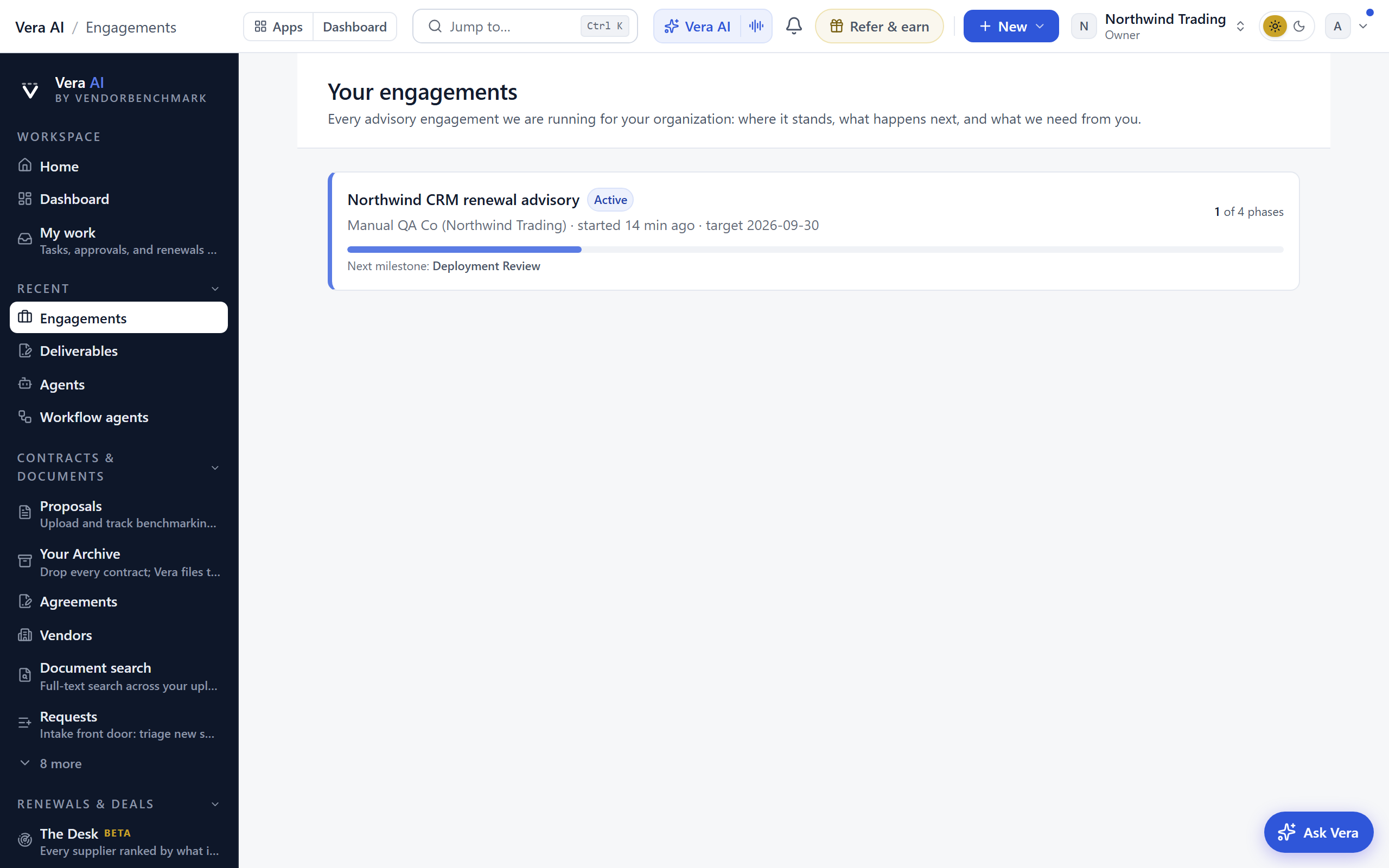
Service engagements you run with the VendorBenchmark team, in one workspace shared with your members.
When this is you
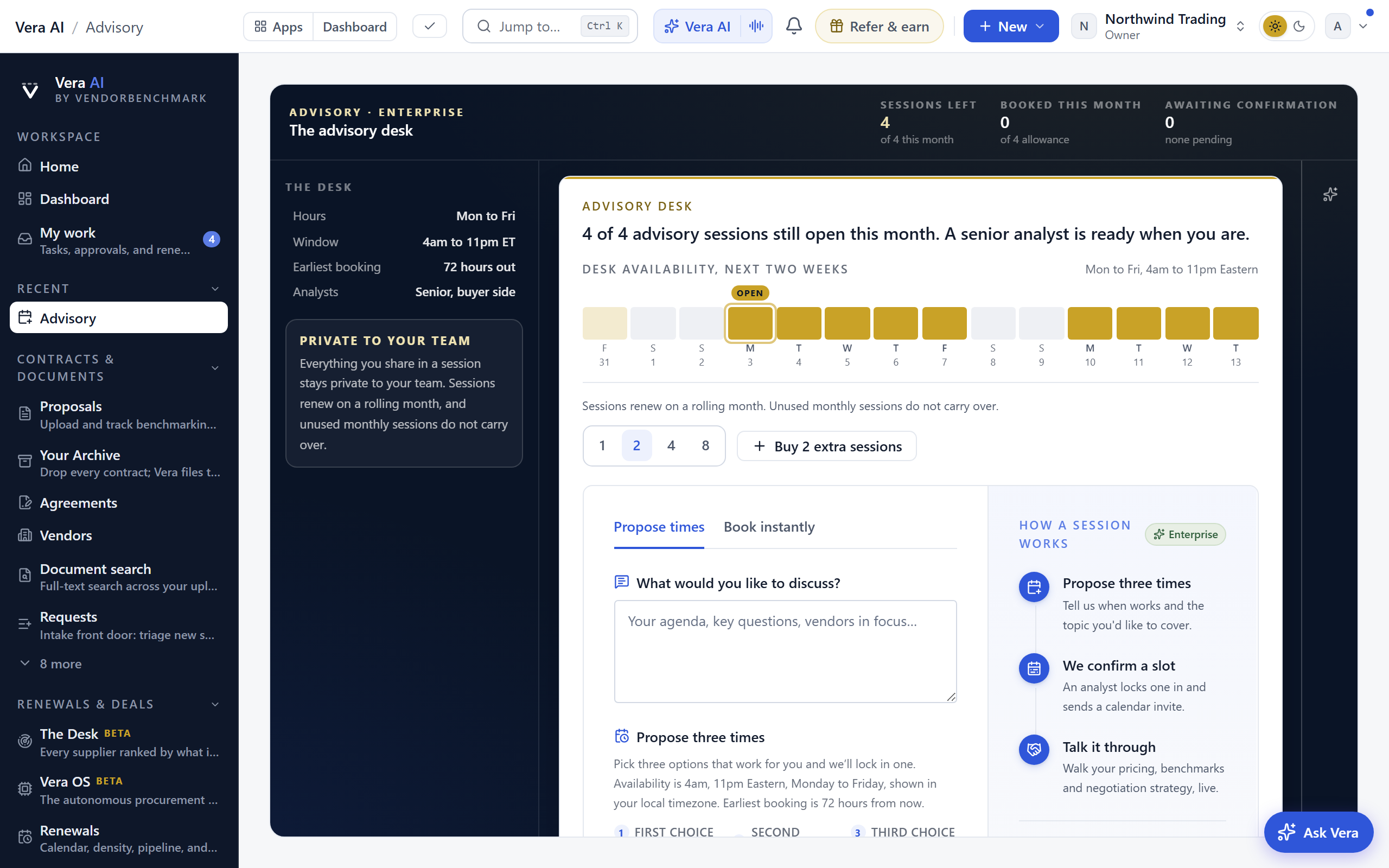
The concierge desk: book analyst time and advisory sessions.
When this is you