You have paper to read: a contract, an MSA, a statement of work, or two versions to compare. These are the 8 tools for the job, each with the situations it answers. Press Open in the app to start one.
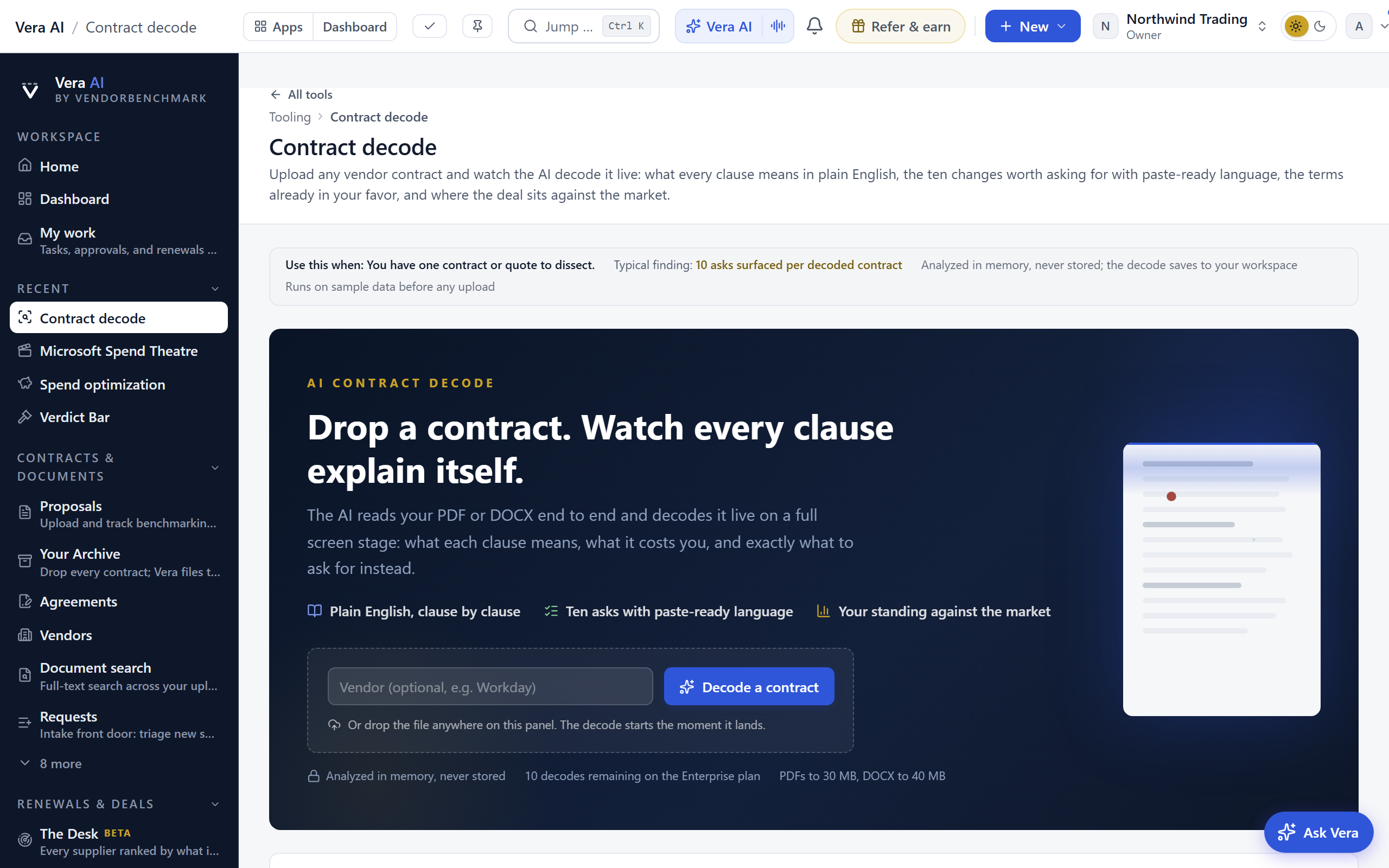
Contract decode
Upload any vendor contract and watch it decoded live: every consequential clause in plain English, up to ten changes worth asking for with paste-ready language, and a term-by-term market benchmark.
When this is you
I have one contract or quote to dissect clause by clause
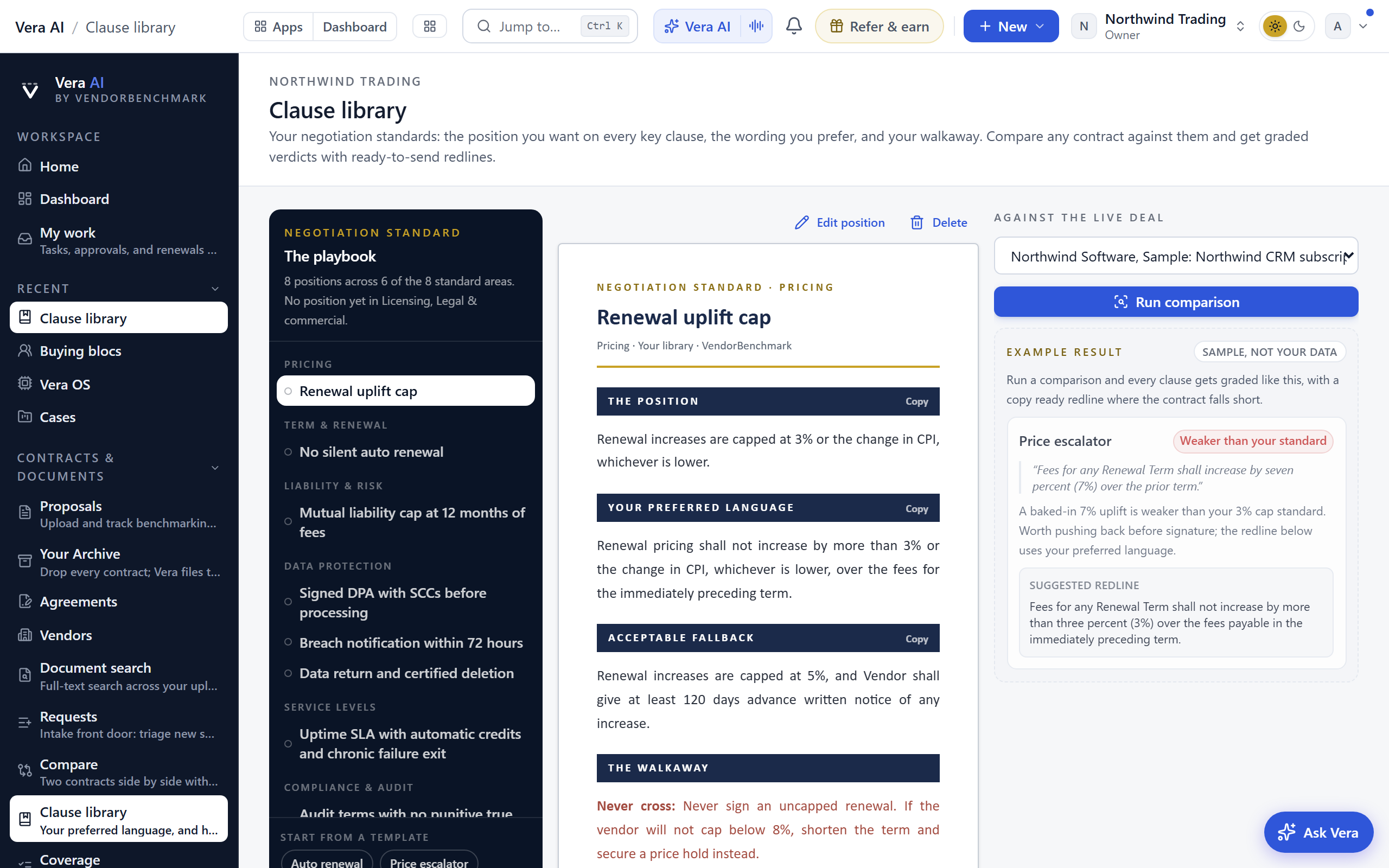
I want the redlines drafted for me before I reply
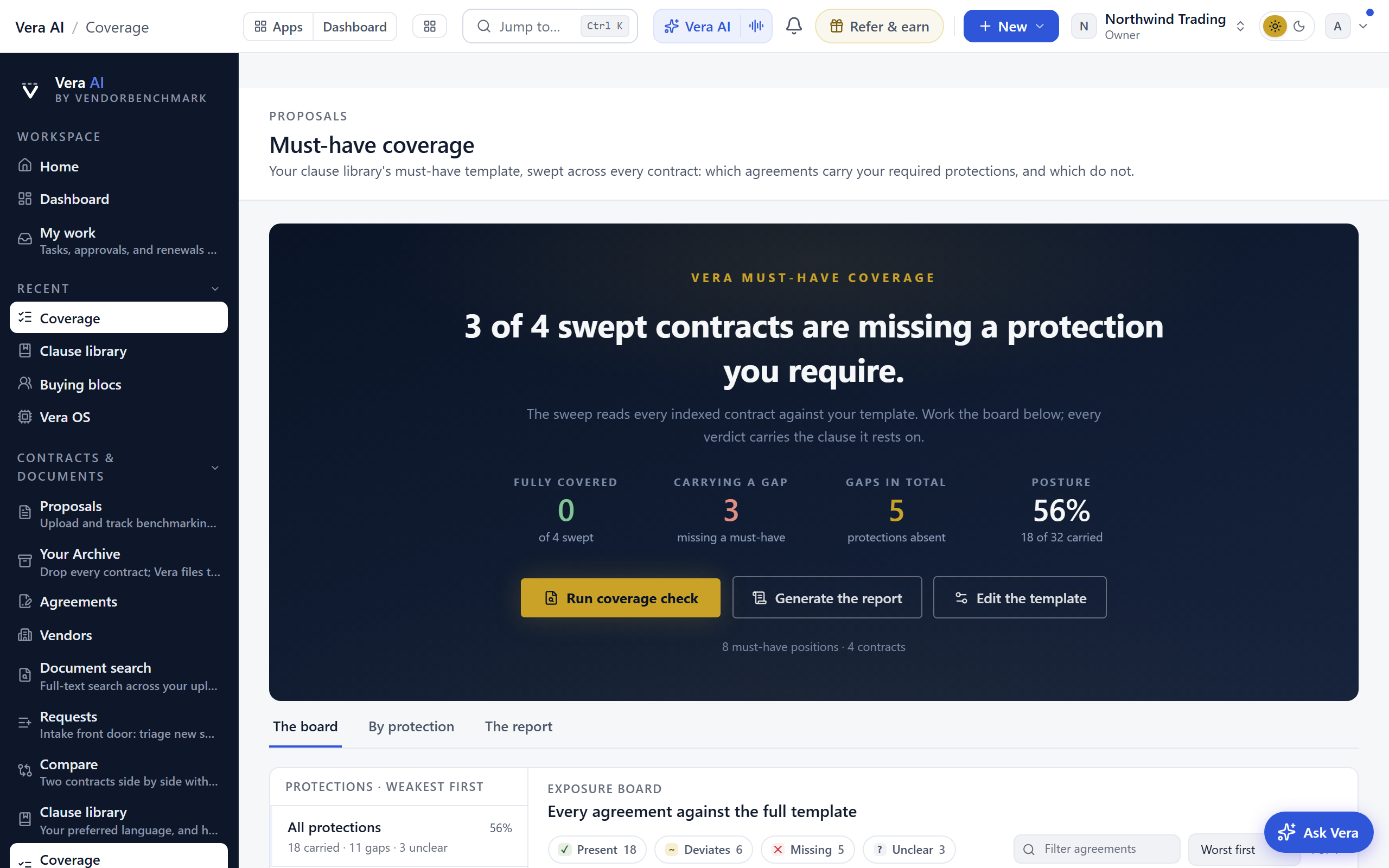
I want to know which terms are already in my favor
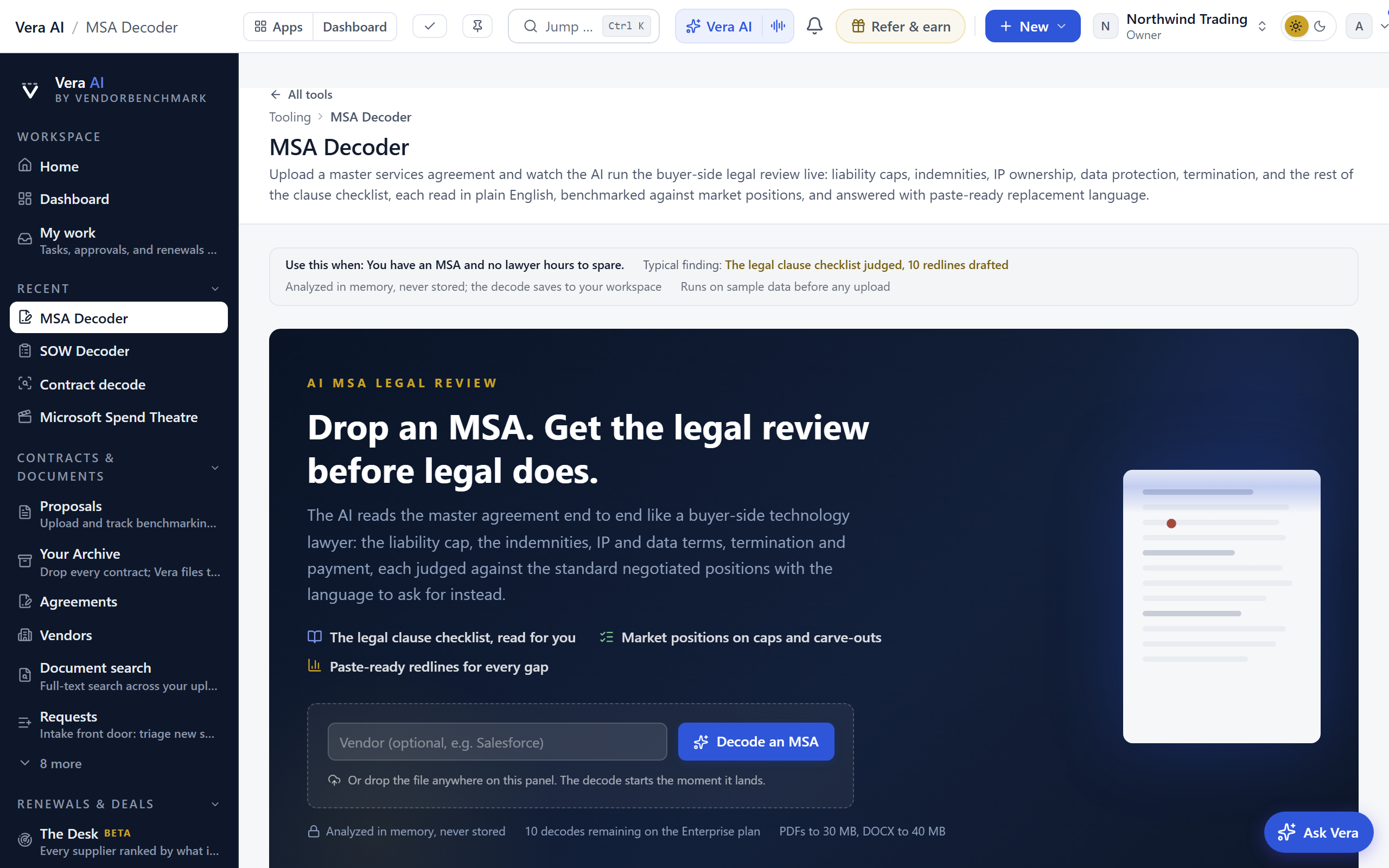
A buyer-side legal review of a master services agreement: liability cap, indemnities, IP, data protection, termination, and payment terms judged against standard negotiated positions, with replacement language.
When this is you
I have an MSA to sign and no lawyer hours to spare
I want the legal clause checklist judged before legal sees it
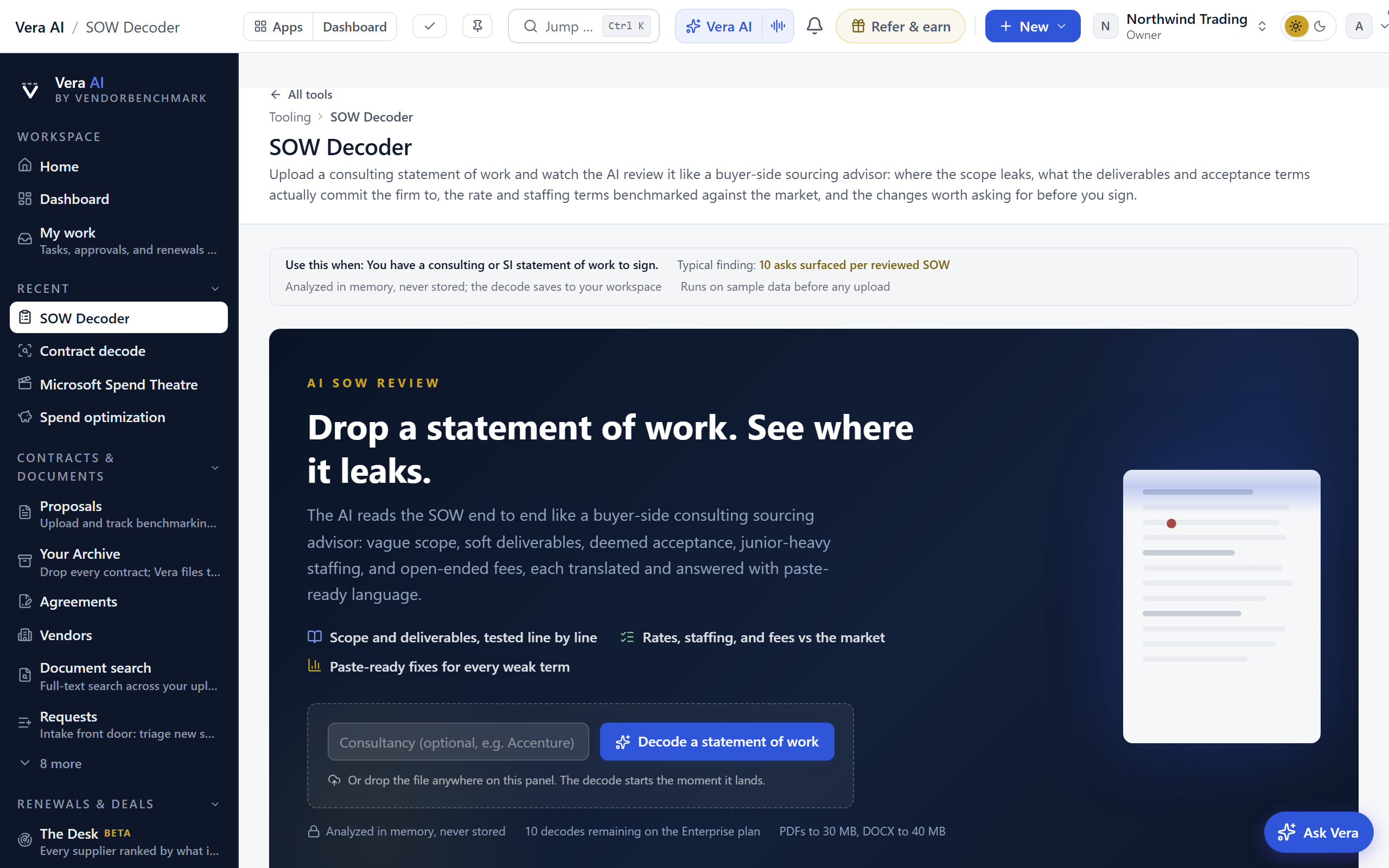
A buyer-side review of a consulting statement of work: scope leaks, deliverables without acceptance criteria, junior-heavy staffing, open-ended fees, and rate terms benchmarked.
When this is you
I have a consulting or SI statement of work to sign
I want to know where this SOW will leak into change orders
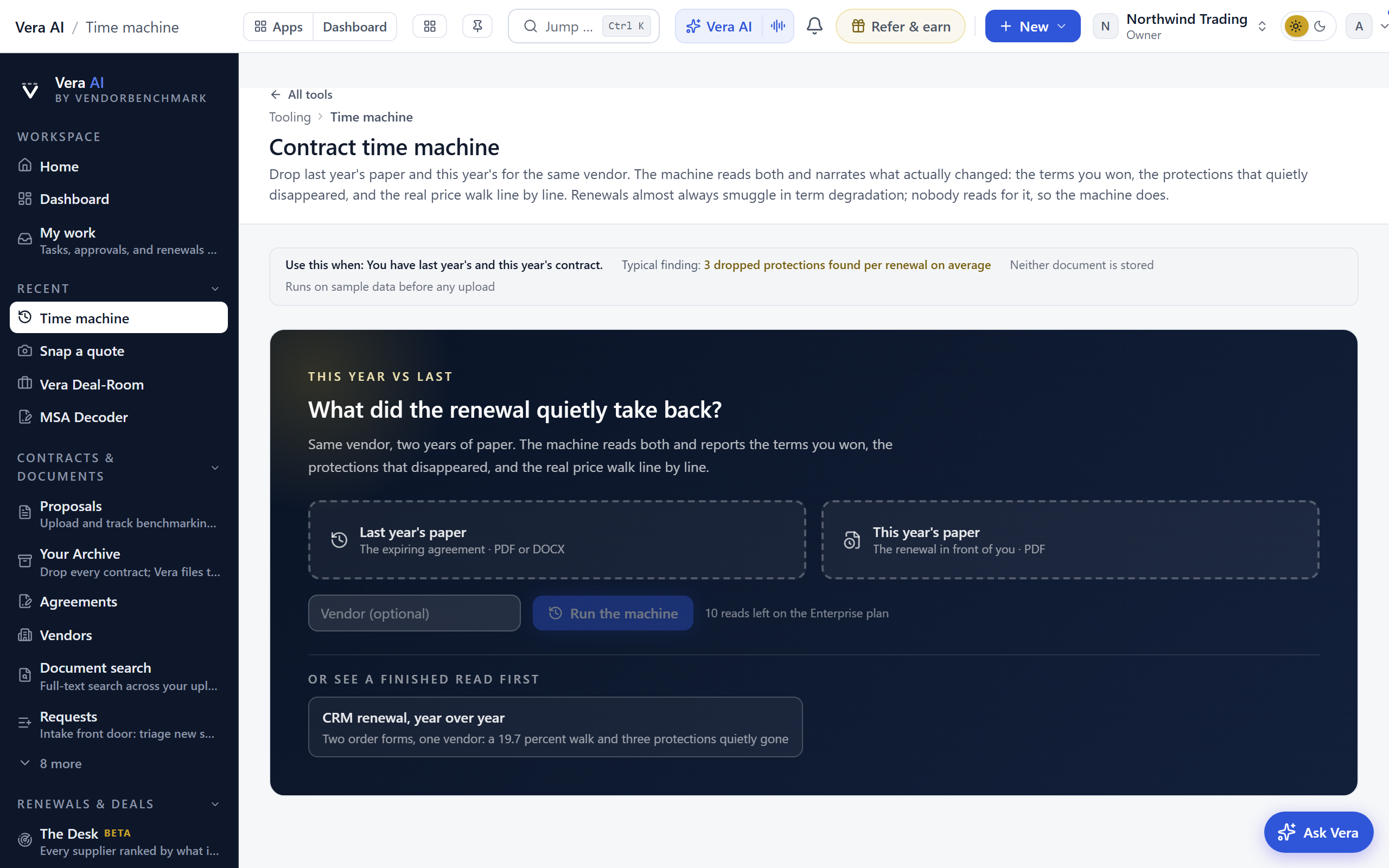
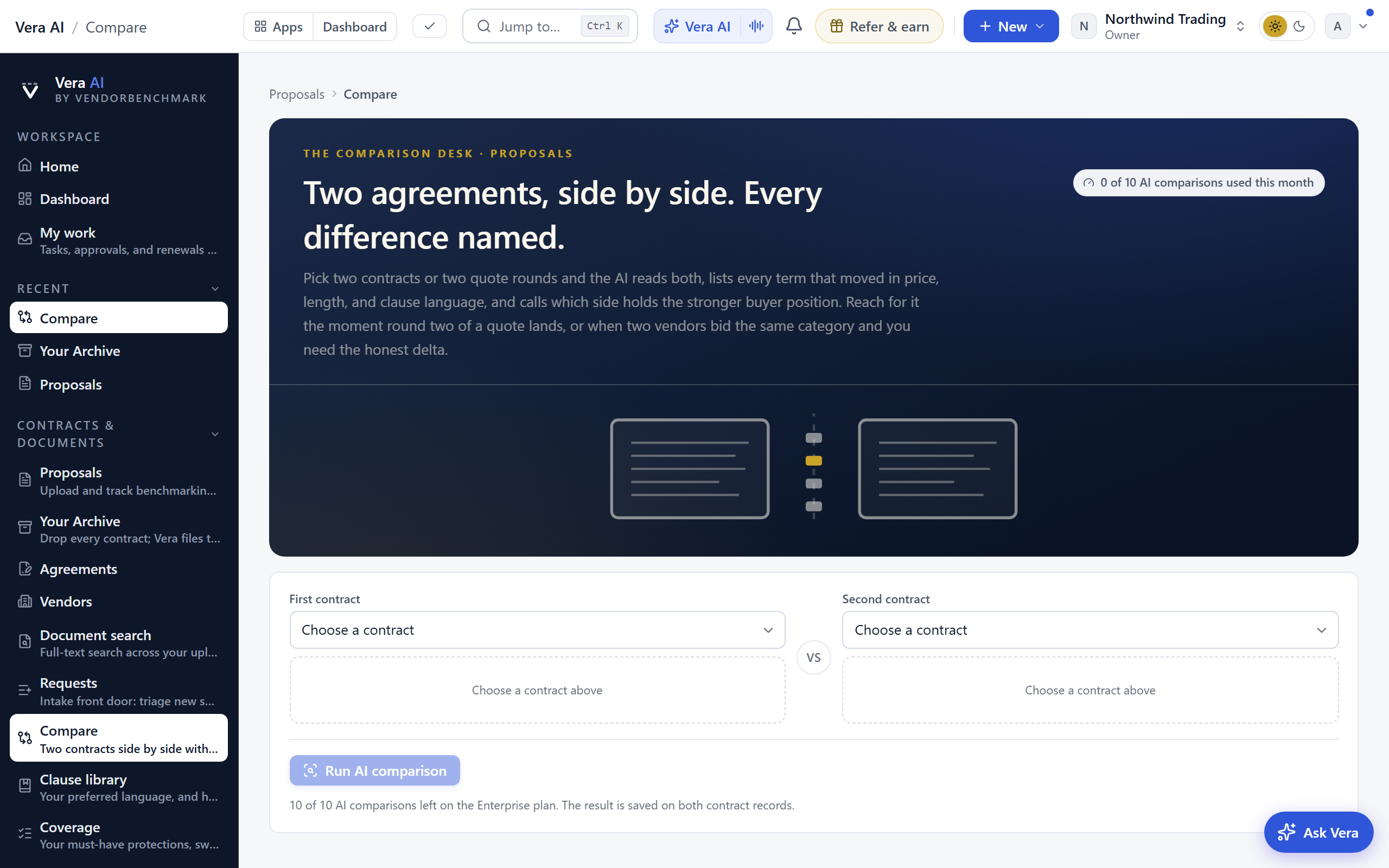
Drop last year's paper and this year's for the same vendor and get the real story: terms won, protections that quietly disappeared, and the price walk line by line.
When this is you
I want to know what changed between last year's contract and this renewal
I suspect the renewal quietly dropped protections we had